
An opensource tool for creating and collaborating on documents
Cryptpad allows you to create and share (internally, via an external link, or by embedding elsewhere) the following documents:
- Links
- Spreadsheets
- Documents (like Word)
- Presentations
- Simple texts
- Kanbans (for project management)
- Code
- Forms
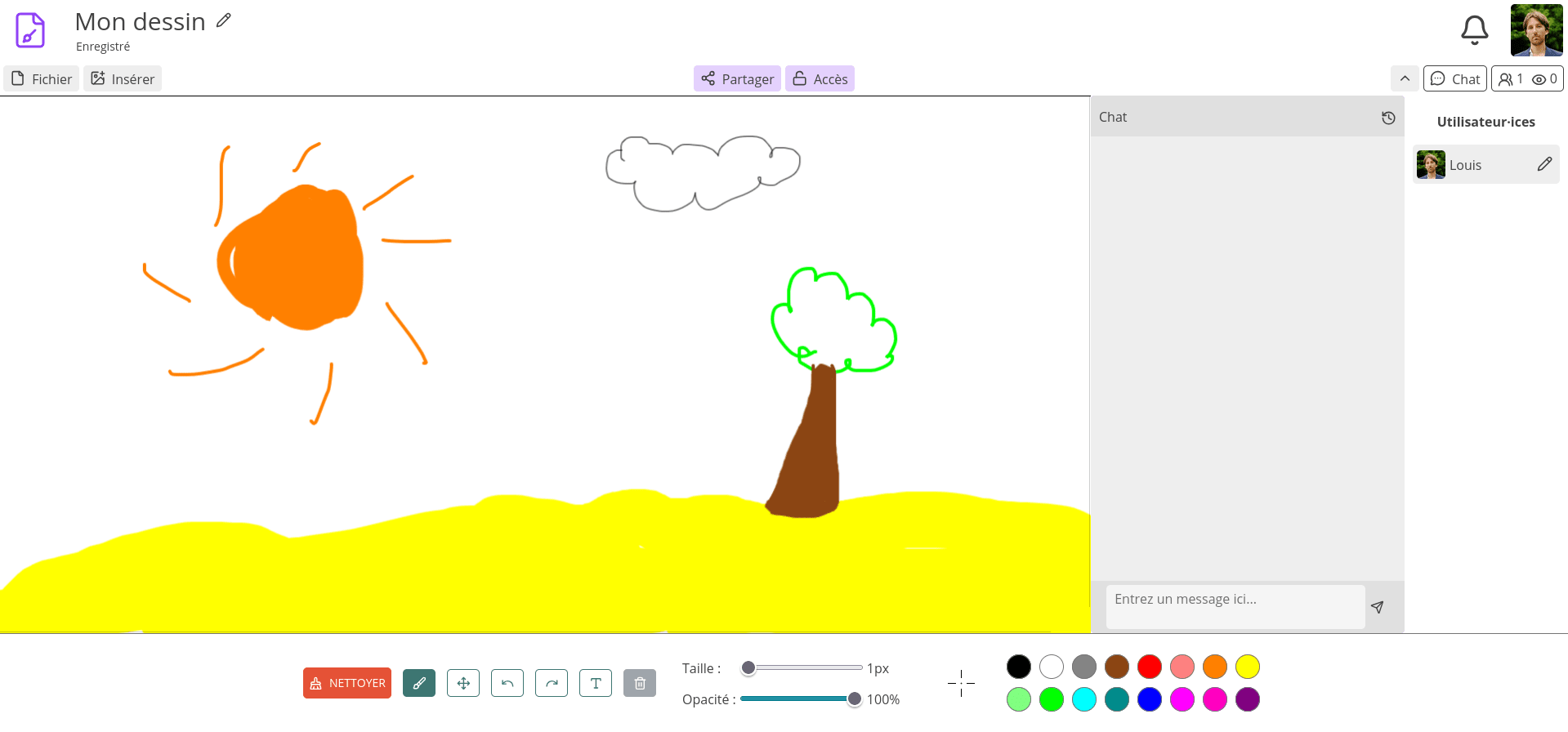
- Drawings
- Slides in Markdown
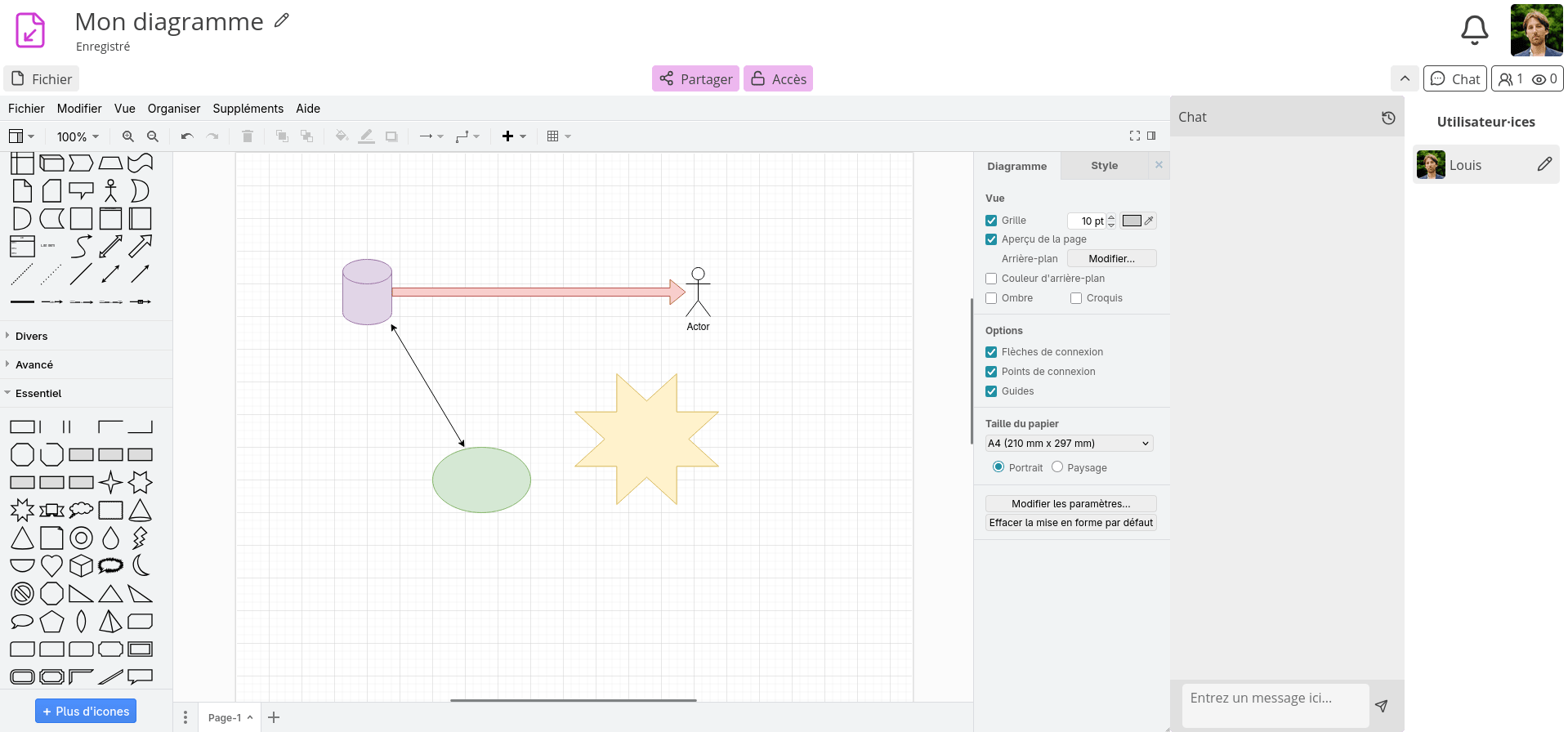
- Diagrams


Granular management of access rights
Cryptpad allows you to control who can view, edit, or delete your documents.
To do this, you can select a sharing option with the desired permissions by selecting the contact of your choice (with whom you have connected in the Cryptpad instance). You can downgrade or remove these access permissions at any time.
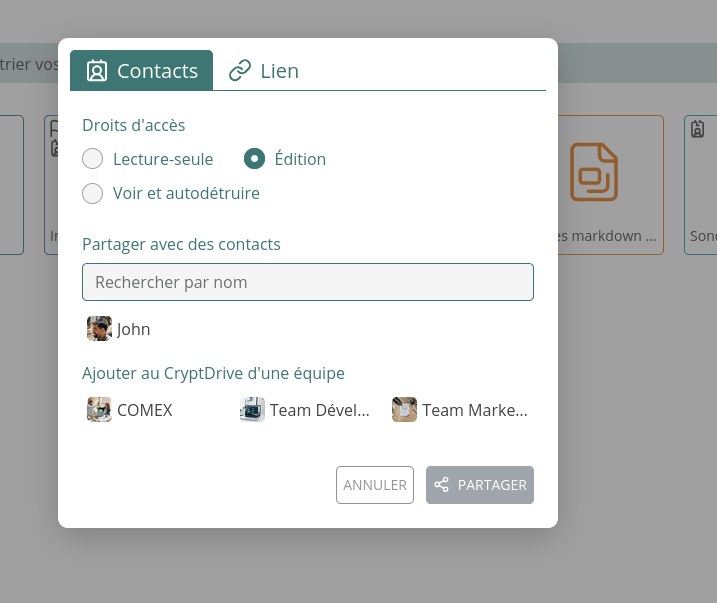
You can also choose to create an external link with the desired permissions (for example, to share with someone outside your organisation, or for a public link such as a form).
Teams in Cryptpad
One of Cryptpad’s strengths is its ability to create multiple teams. These are simply groups of users that you bring together. For example, if you have your own Cryptpad instance for your company, you could create a group for the Works Council, with whom you would share sensitive administrative information, and another group for all your employees.
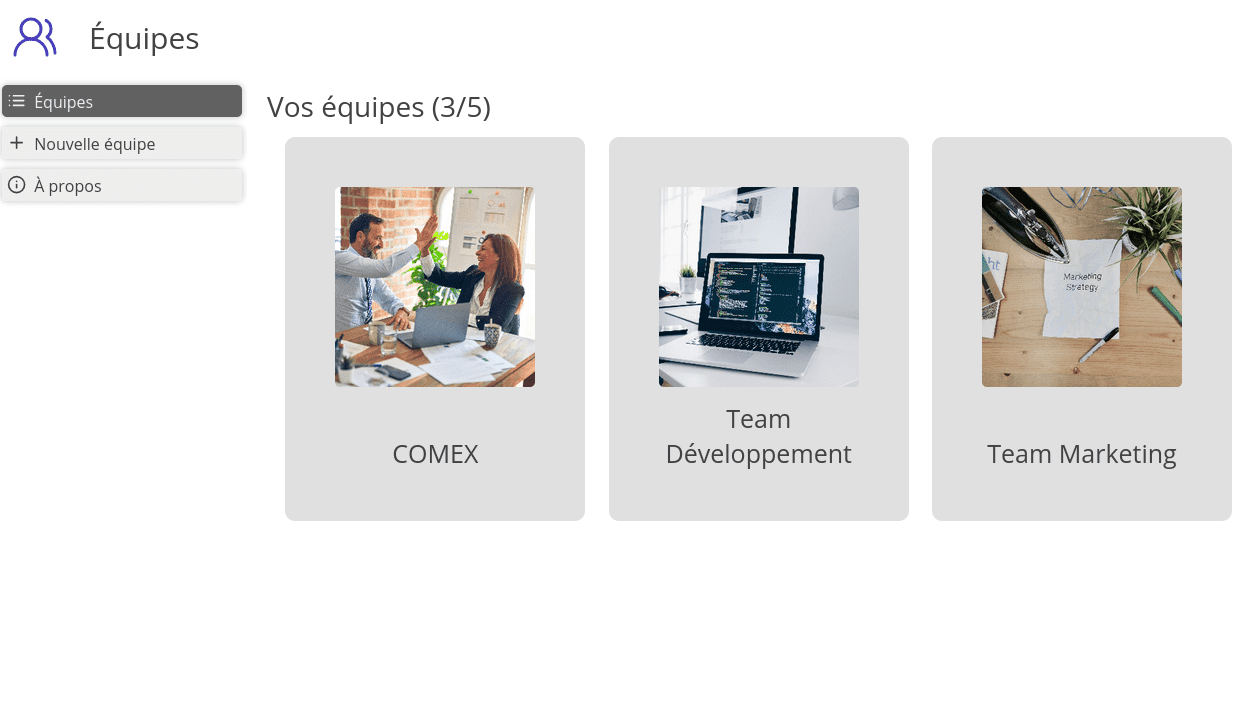
Each team has its own CryptDrive, storage limit, chat, and member list.
You can add anyone you want to a team, as an owner, administrator, member, or reader.
Additional features in Cryptpad
Agenda
In Cryptpad, you can also use the calendar feature, which is also end-to-end encrypted.
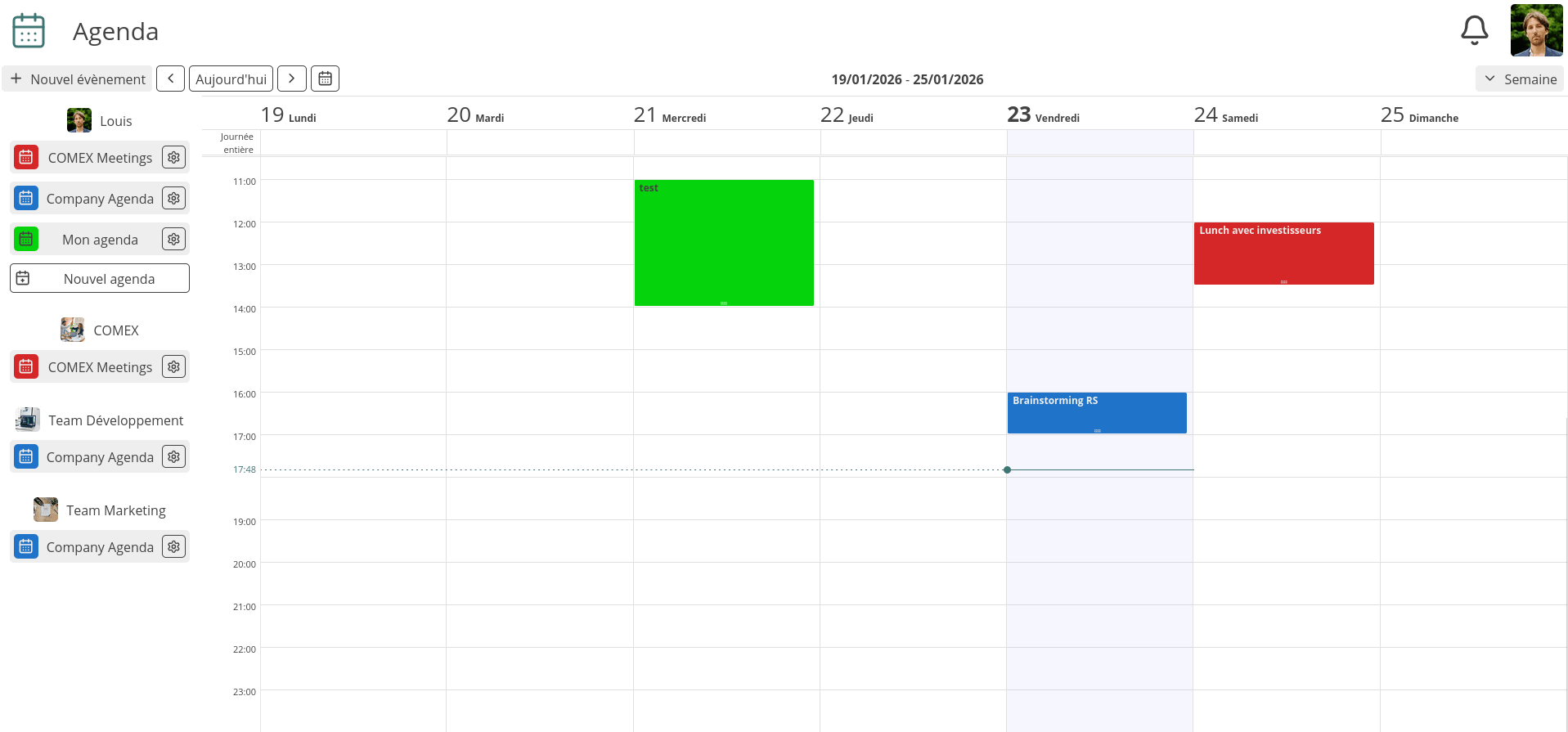
Agendas can be personal, or shared with other individuals (internal or external) or teams.
Contacts
Cryptpad allows you to add people of your choice to your contacts. This allows you to easily share content with them, but also to use the chat feature, which is a simple chat function.
Who is Cryptpad designed for?
Cryptpad is suitable for anyone who wants to enjoy an intuitive and secure online collaborative software suite.
Unlike popular tools such as Google Drive, the content of your documents is not read or exploited by third parties.
If you choose to have your own instance, you gain digital sovereignty by controlling where your data is stored, who has access to your server, and you can choose to move or change your server settings at any time in the future. You remain in control.